How it works
The design is given a real width, then cut into page-sized pieces. Each piece prints on its own sheet at full scale. You trim the edges and tape the sheets together. Done properly, a line that leaves one page arrives on the next exactly where it should.
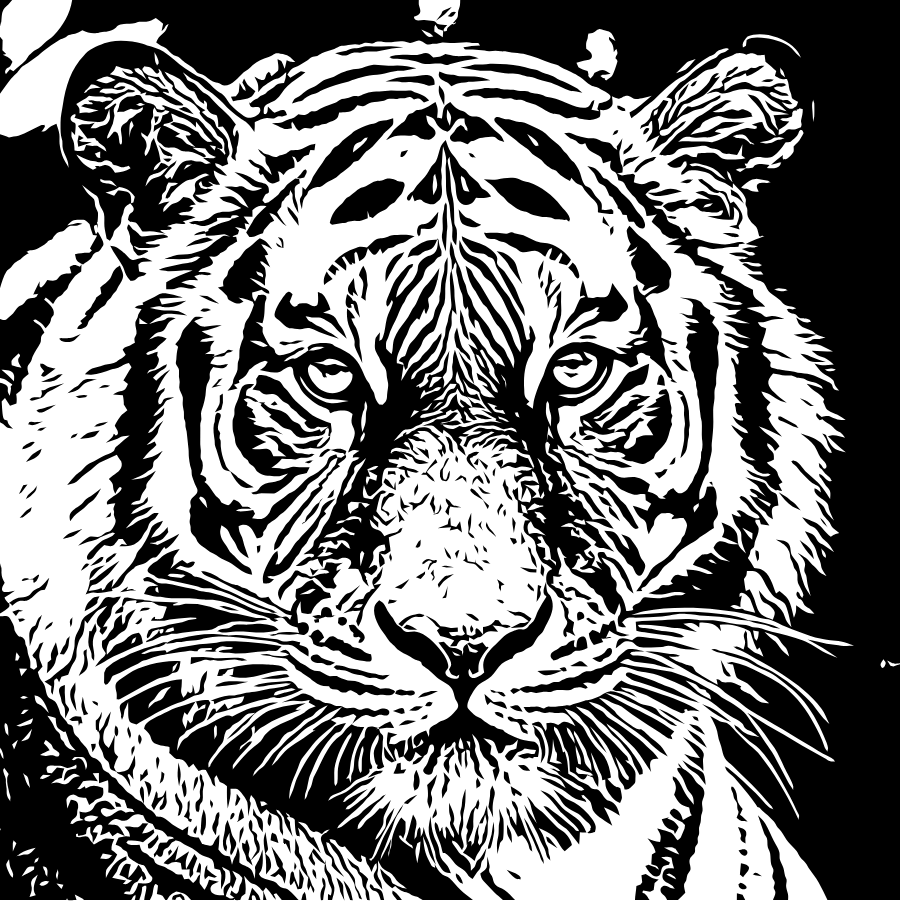
Step by step in Tracesmith
- Make the design. Use the Stencil job for line work from a photo or a drawing, or Cut file for flat artwork.
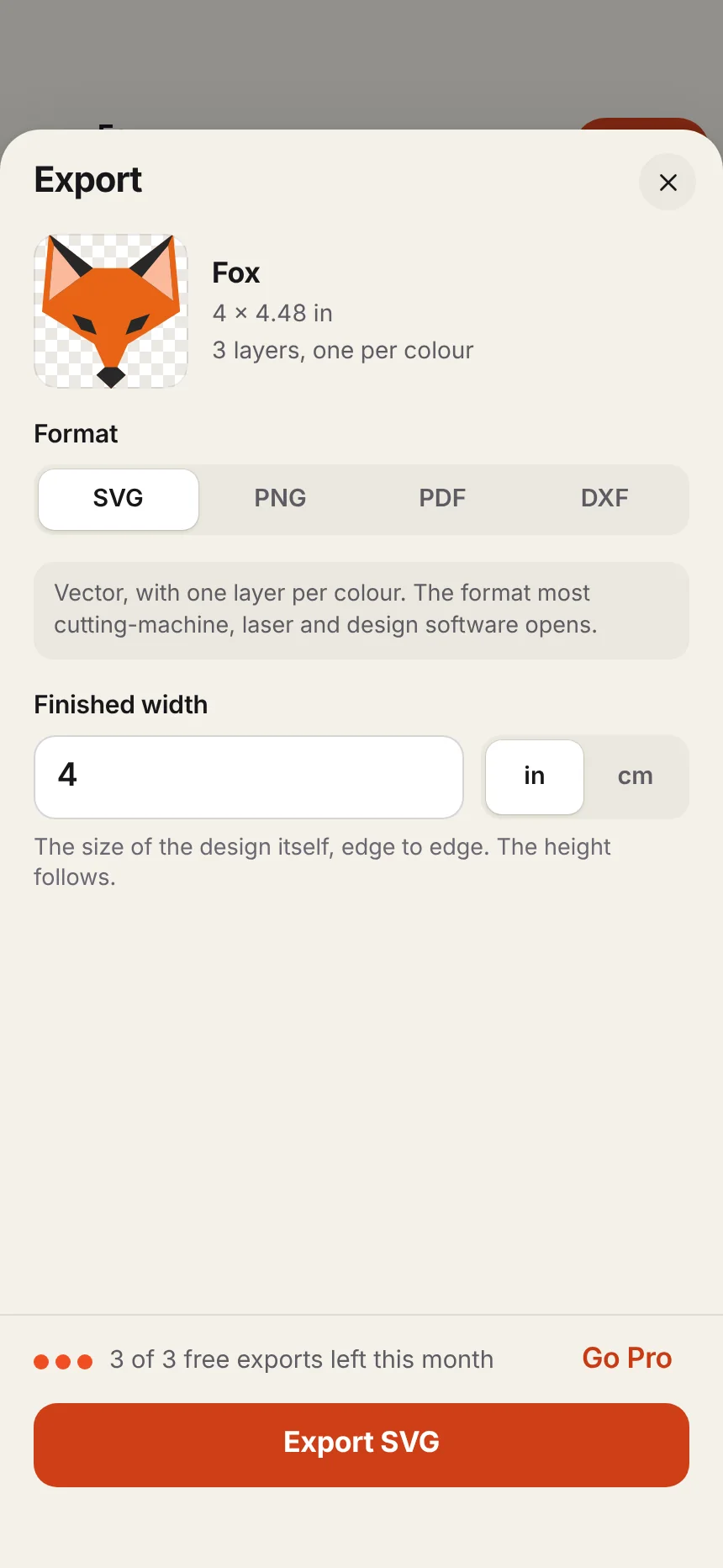
- Open Export and choose PDF.
- Type the finished width. This is the width of the design itself, edge to edge, in inches or centimetres. The height follows.
- Choose your paper. Pick Letter or A4. The sheet tells you how many pages the design will take. Exact size makes one page the size of the design, for a print shop or a wide printer.
- Export. Each page is labelled by row and column, such as A1, A2 and B1, and carries marks that show where it meets its neighbours.
Printing at exactly 100%
This is the step that goes wrong most often. Printers like to shrink a page slightly so nothing is cut off, and a design that is 3% small on every sheet will not join.
- In the print settings, choose 100%, actual size or no scaling.
- Turn off anything called fit to page, shrink to fit or scale to fit.
- Print one page first and measure something on it with a ruler.
Joining the pages
- Lay the sheets out in order using their labels.
- Trim the margin from one edge of each join, following the marks.
- Overlap the trimmed edge onto its neighbour until the marks meet, and tape from the back.
- Work along one row at a time, then join the rows.
What people use this for
- Window and wall painting: tape the print behind the glass, or transfer it with chalk on the back.
- Wooden signs and wood burning: transfer with graphite paper.
- Large tattoo stencils: a back piece or a sleeve at the size of the placement. See making a tattoo stencil from a photo.
- Fabric and paper patterns: appliqué shapes and templates.
Mirror. If the printed side will face the surface when you transfer it, turn on Mirror in the Export sheet so the design comes out the right way round.