For iPhone and iPad
Turn any picture into a file a machine can cut, print or draw.
Tracesmith makes layered SVG cut files, line-art stencils and print-then-cut stickers from a logo, a drawing or a photo. It does the work on your device, in about a second.
- Three free exports every month
- Nothing is uploaded
- Works with no signal
 Your picture
 Cut file
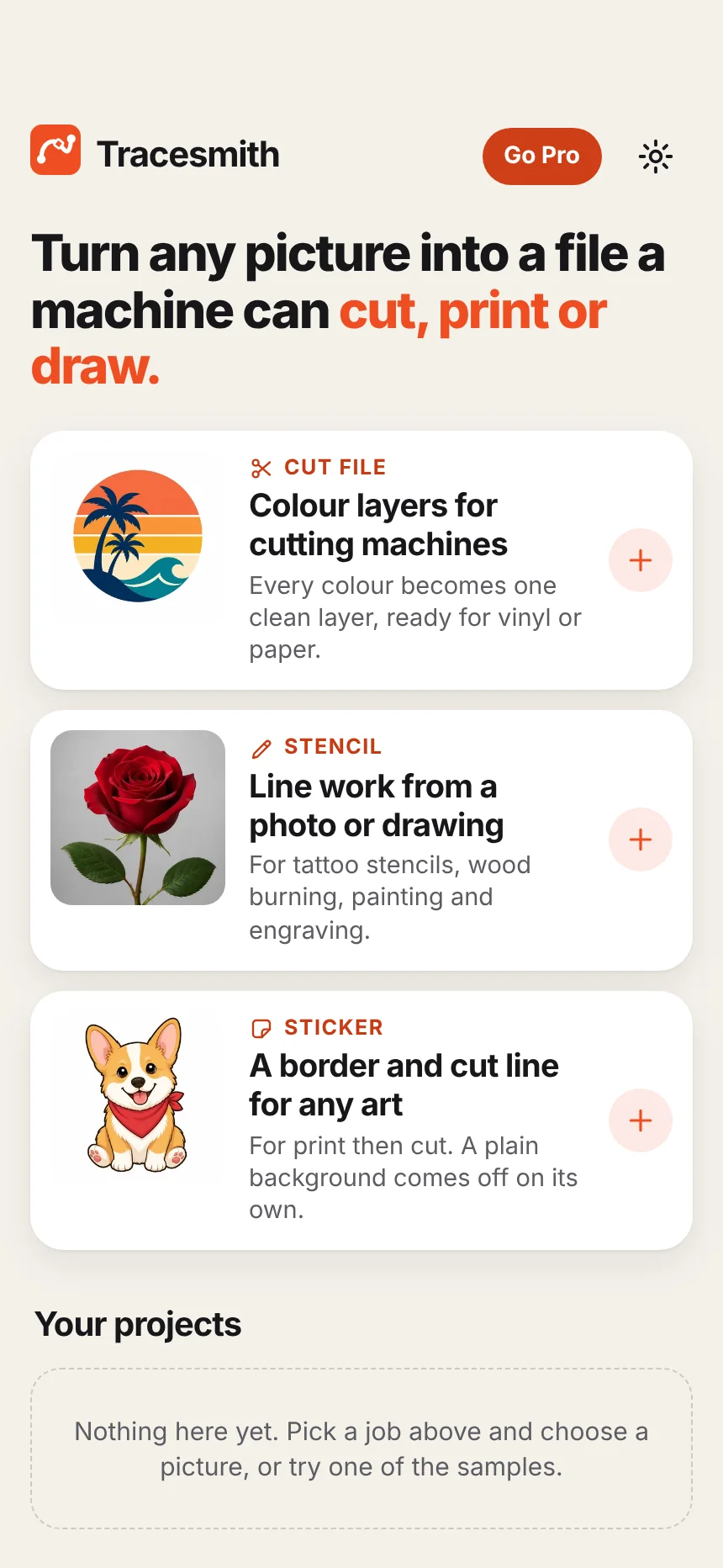
Three jobs, one app
Pick what you are making. Tracesmith does the tracing.
Every picture below is a real result: the file on the right is what the app exported from the picture on the left.
Cut file
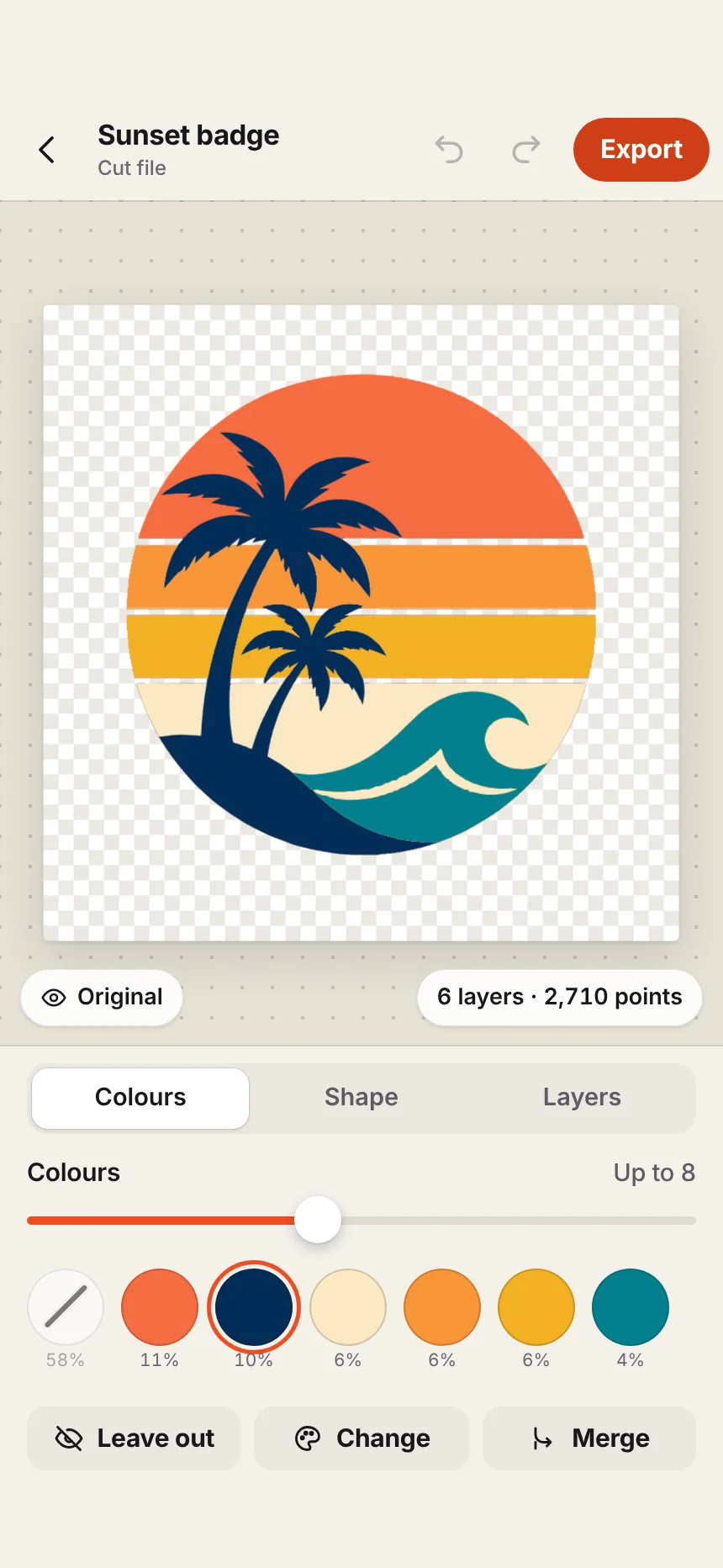
Every colour becomes its own clean layer
For vinyl and paper cutting machines. Choose a logo, clipart or drawing, and each colour comes out as one vector layer you can cut from its own sheet.
- Leave a colour out, change it, or merge two into one
- Stack the layers so nothing shows through, or cut each to its own shape so the pieces fit together
- Add an outline layer behind the whole design


Stencil
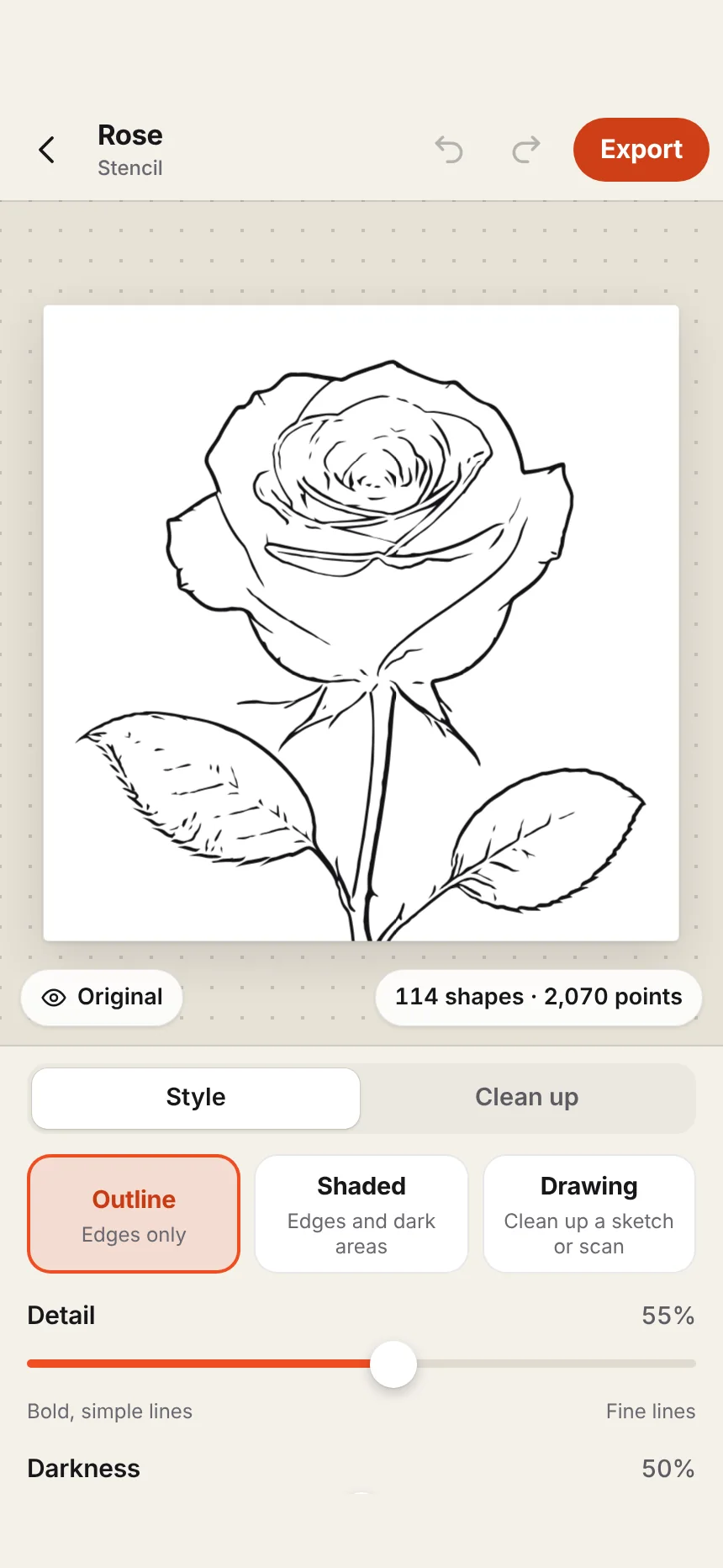
A photo in, clean line work out
For tattoo stencils, wood burning, painting and engraving. Choose a photograph or a sketch and get black line work you can print or transfer.
- Three styles: outlines only, outlines with shading, or a cleaned-up drawing
- Print at real size, tiled across as many pages as it takes
- Mirror it for transfers that go on face down


Sticker
A border and a cut line, round anything
For print then cut. The plain background comes off by itself, and a border and cut line are drawn round your artwork.
- Set how wide the border is, and its colour
- Export a PNG with a see-through background, at up to 600 dpi
- Or an SVG that carries the cut line for your machine


The trace
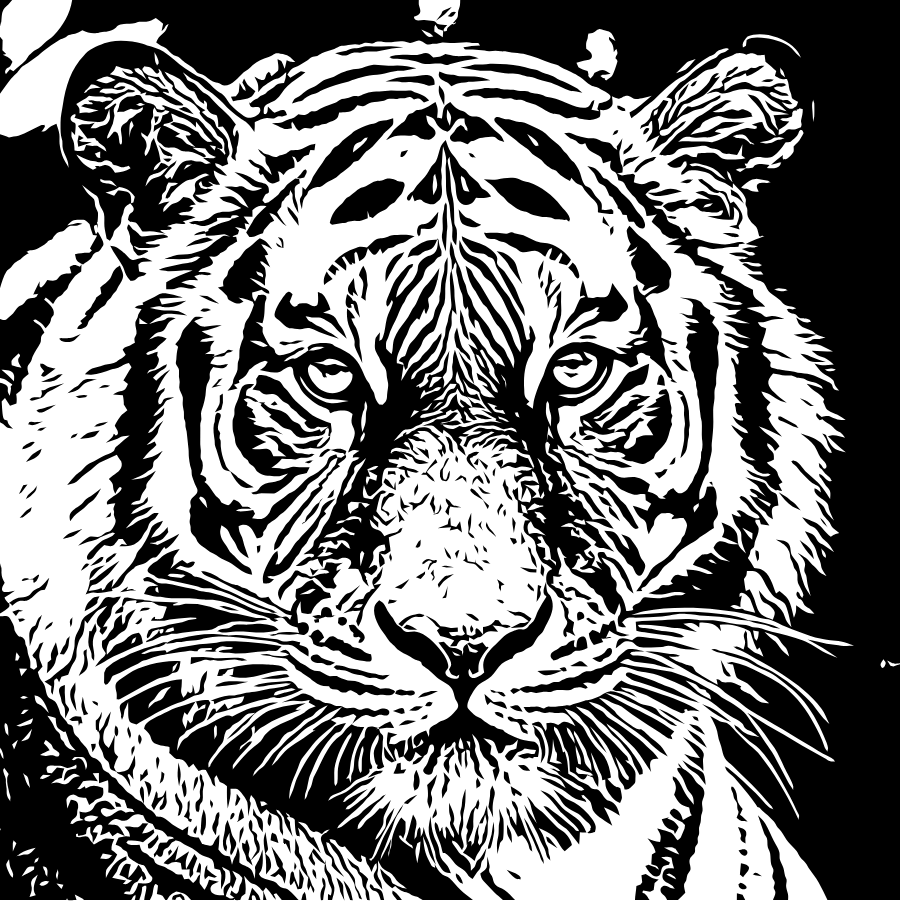
Zoom in. It stays sharp.
A picture is made of squares. A cut file has to be made of curves, or your machine follows the staircase.
Tracesmith finds the true edge inside each pixel, keeps corners as corners, and draws each curve through as few points as the shape needs. Fewer points means a blade or a laser moves smoothly and finishes sooner.
Real size
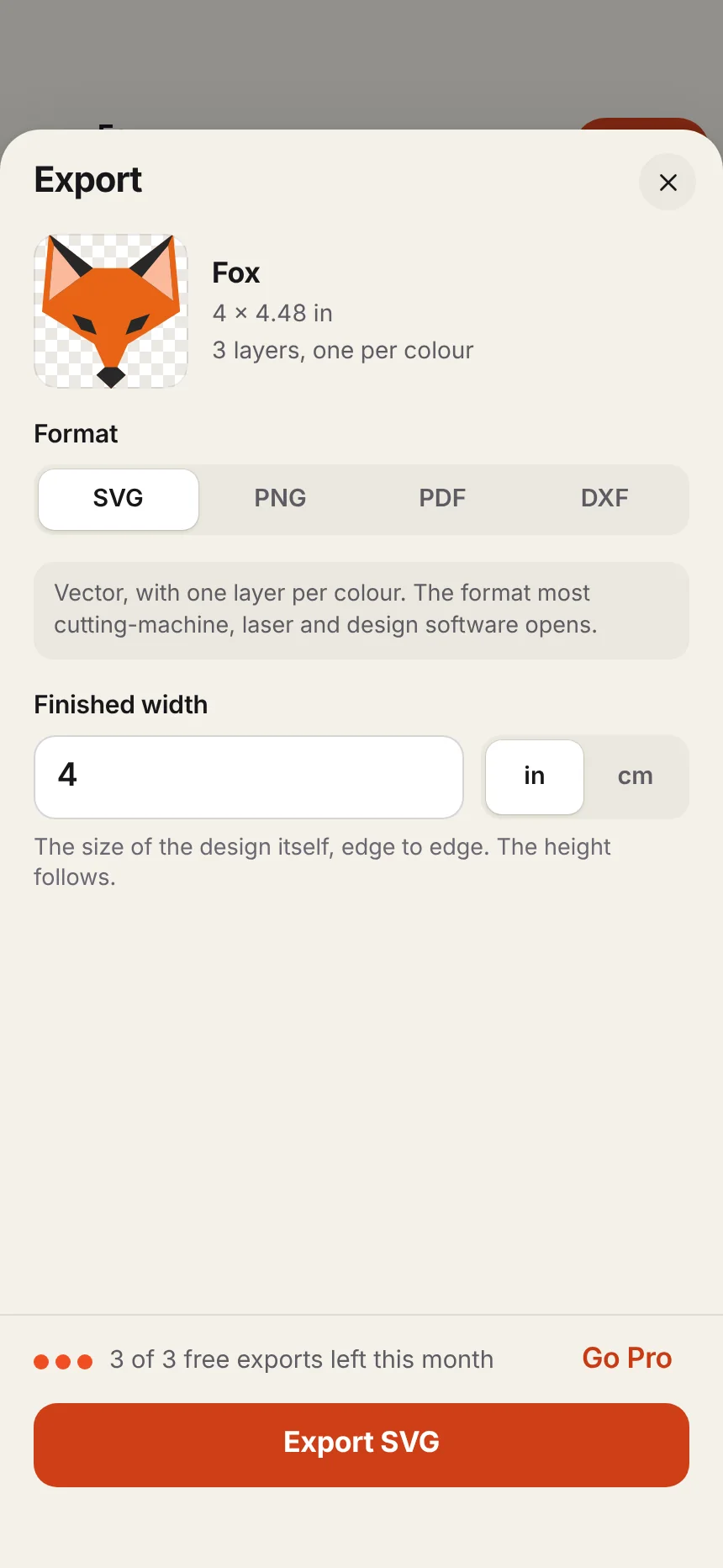
Set the finished width. The file comes out that size.
Type the width in inches or centimetres and Tracesmith writes it into the file, so it opens at that size in your machine's software.
A design bigger than your paper is tiled across pages, each one labelled and marked for joining. A 20-inch stencil prints on nine sheets of Letter paper.
How to print a big stencil at full sizeEvery format
The right file for your machine
All four formats are in the free version. Which one do you need?
| Format | What it is | Use it for |
|---|---|---|
| SVG | Vector, one named layer per colour | Cricut Design Space, Silhouette Studio Designer Edition and up, laser software, Inkscape, Illustrator |
| DXF | Vector outlines only | The free edition of Silhouette Studio, and most laser and CNC software |
| Vector at exact size, tiled across pages if needed | Printing stencils and patterns at real size | |
| PNG | A picture with a see-through background, up to 600 dpi | Print then cut, sublimation, and sharing |
Why it works on your device
No uploads. No credits. No waiting.
Many tracing tools send your picture to a server, which costs them money each time, so they ration you with credits. Tracesmith has no server.
Tracing costs nothing to run, so nothing is metered. Change a setting and trace again as often as you want.
Nothing is uploaded and there is no account to make. Client artwork and personal photos never leave your phone.
At a craft fair, in a studio with bad reception, or on a plane. The whole app is on your device.
No weekly plans, no credit packs and no watermarks. The whole app is free to use, and Pro only lifts the export limit.
What it costs
Free to use. Pro when you export a lot.
US prices. Apple shows the price in your own currency before you buy.
Free
$0
- The whole app, all three jobs
- Three exports every month
- Every format: SVG, DXF, PDF and PNG
- No watermark
Tracesmith Pro
$29.99 a year, after 7 days free
- Unlimited exports
- Or $6.99 a month
- Or $59.99 once, with no renewals
- Cancel any time in your Apple Account settings
In the app
Sliders, not settings menus
Each job has a few controls in plain words. The picture updates as you move them, and Undo takes you back.
Guides
How to do the whole job, start to finish
Compared
How Tracesmith sits beside the alternatives
Questions
Before you download
What kinds of picture work best?
For a cut file: flat artwork with clear colours, such as a logo, clipart or a drawing. For a stencil: a photograph with a clear subject, or a sketch. For a sticker: artwork on a plain background.
A photograph traced as a cut file comes out as a patchwork of shapes, which is rarely what you want. Use the Stencil job for photographs.
Does it work with my Cricut or Silhouette?
Tracesmith makes standard files, so it works with any machine whose software opens them. SVG opens in Cricut Design Space and in Silhouette Studio Designer Edition and up. The free edition of Silhouette Studio opens DXF, which Tracesmith also exports.
Is my picture uploaded anywhere?
No. The tracing is done on your iPhone or iPad and the app has no server to send a picture to. It makes no network requests of its own, and it works with no connection.
What do I get for free?
The whole app: all three jobs, every control and every format. The free version exports three files a month. Tracesmith Pro makes exports unlimited.
Can I use it for tattoo stencils?
Yes. The Stencil job turns a photo or a drawing into line work in three styles, mirrors it if your transfer method needs that, and prints at the exact size you set. It is new, so judge the line work on your own designs with the free exports before relying on it.
Does it run on a Mac?
Tracesmith is made for iPhone and iPad. Macs with Apple silicon can install iPhone and iPad apps from the Mac App Store, and Tracesmith is offered there too. It was designed for a touch screen, so the iPhone and iPad are where it is at its best.
Is there an Android version?
Not yet. If you want one, press "Want it on Android?" on this page and send the email it opens. Every request is counted, and you will hear from us if it is built.
How do I cancel Pro?
On your iPhone or iPad open Settings, tap your name, then Subscriptions, then Tracesmith. You keep Pro until the end of the period you paid for.
Make your first cut file in a minute.
Three exports are free every month, in every format, with no account to make.